

Download Bing Maps – Free, Secure, and Feature‑Rich Digital Atlas
Overview
Bing Maps is Microsoft’s answer to the modern digital atlas, delivering an intuitive blend of map, satellite, street‑view, and the standout isometric “bird’s‑eye” perspective. Built on the same cloud infrastructure that powers Windows and Microsoft 365, Bing Maps offers a secure, continuously updated mapping service that can be accessed from any modern browser or through the dedicated mobile app on Android and iOS. Users can search for any address worldwide, plot multi‑stop routes, and save favorite locations directly to their Microsoft (formerly Windows Live) account, making it easy to retrieve personalized maps across devices.
While the core search engine does not yet integrate seamlessly with the broader Bing Search results—a notable gap compared with Google Maps—the platform compensates with smooth panning, momentum‑driven zoom, and a visually appealing 3‑D bird’s‑eye view that often feels more natural for city navigation. Bing Maps’ street‑view imagery, available in many urban centers, rivals Google’s level of detail, and the satellite layer offers crisp, up‑to‑date aerial photography suitable for both casual explorers and professionals needing geographic context. Overall, Bing Maps presents a reliable, free alternative that is especially appealing to users already invested in the Microsoft ecosystem, offering a balanced mix of functionality, visual polish, and cross‑platform availability.
Key Features of Bing Maps
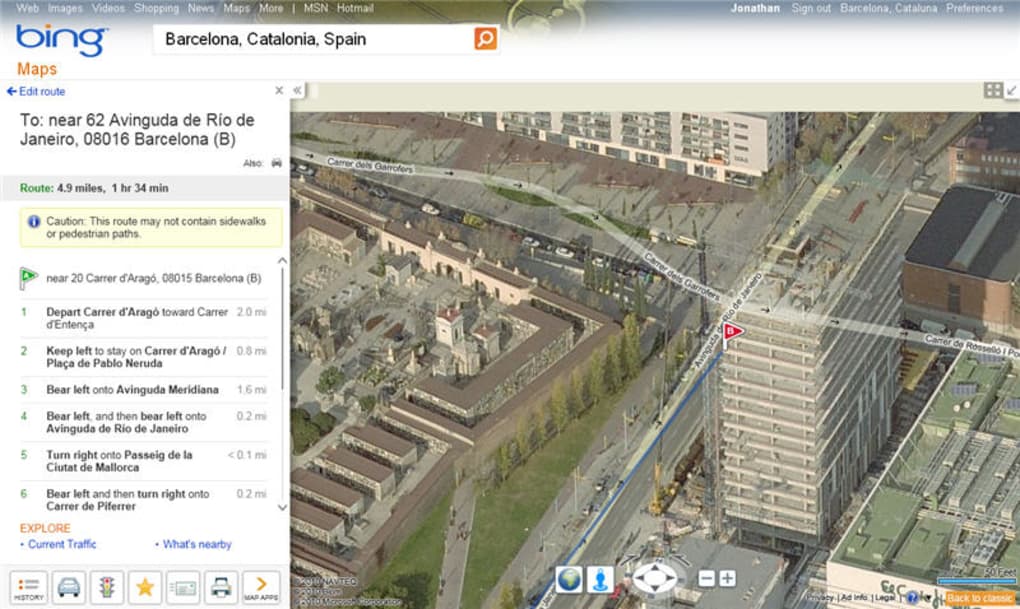
- Bird’s‑Eye View: An isometric 3‑D perspective that delivers a natural, angled view of cities, helping users understand building heights and street layouts better than flat top‑down maps.
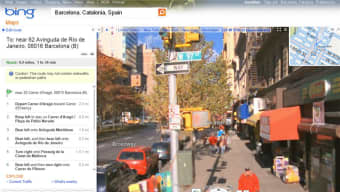
- Street View (RoadSide View): High‑resolution panoramic images for many streets worldwide, allowing virtual “walk‑throughs” comparable to Google’s Street View.
- Satellite Imagery: Regularly refreshed aerial photographs with true‑color rendering, useful for planning trips, outdoor activities, or professional GIS tasks.
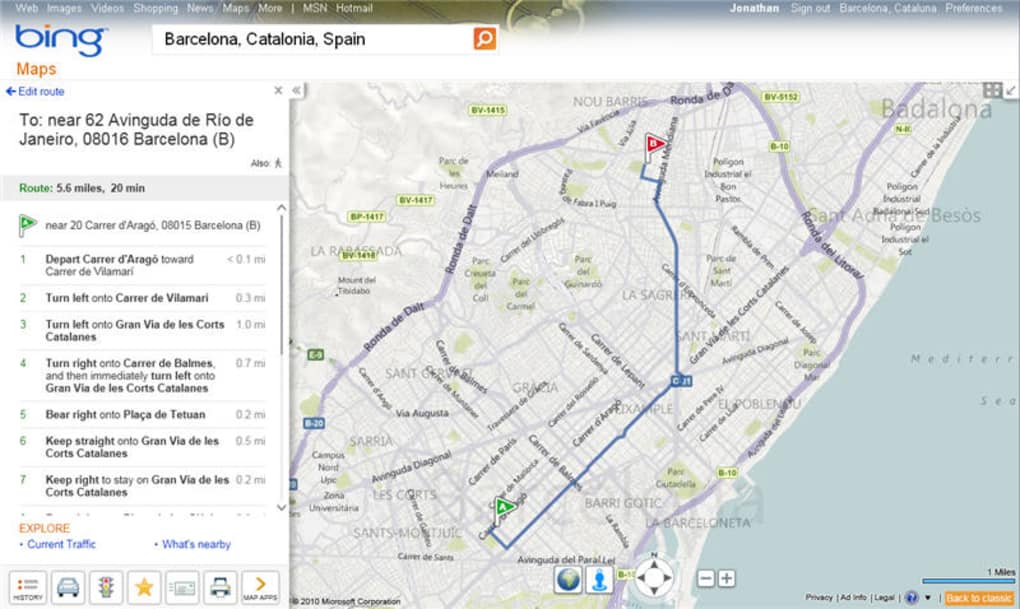
- Route Planning & Multi‑Stop Directions: Create driving, walking, or transit routes with up to 25 waypoints, complete with estimated travel times and turn‑by‑turn guidance.
- Save & Sync with Microsoft Account: Store favorite places, custom routes, and map layers to the cloud, then access them on any device logged into the same account.
- Dynamic Traffic Layer: Real‑time traffic conditions, incident reports, and congestion colors help users avoid delays and choose optimal routes.
- Developer APIs: REST, JavaScript, and Android/iOS SDKs let developers embed Bing Maps into websites, mobile apps, or enterprise solutions.
- Offline Tile Caching (Mobile): Download map tiles for offline use, ensuring navigation works in low‑connectivity areas.
- Accessibility Features: Keyboard navigation, high‑contrast mode, and screen‑reader friendly labels make the service usable for people with disabilities.
Installation & Usage Instructions
Web Version (All Platforms)
1. Open any modern browser (Edge, Chrome, Firefox, Safari) and navigate to bing.com/maps.
2. If you already have a Microsoft account, click “Sign in” at the top‑right corner to sync your saved locations.
New users can create a free account in just a few seconds.
3. Use the search bar to type an address, landmark, or business name. As you type, Bing Maps suggests auto‑complete options powered by Microsoft’s AI‑enhanced search engine.
4.
Choose the desired view – Map, Aerial, Bird’s‑Eye, or Streetside – from the toolbar on the right side of the map canvas.
5. To create a route, click the “Directions” icon, enter a start and end point, then add additional stops by clicking the “+” button. The route will automatically update with distance, ETA, and turn‑by‑turn instructions.
6.
To save a location, click the star icon next to the address or use the “Add to favorites” option in the side panel. Saved places appear under “My Places” for quick retrieval.
Mobile Apps (Android & iOS)
Android: Open Google Play Store, search for “Bing Maps”, and tap “Install”. The app downloads at ~20 MB and requires Android 6.0 or newer. Once installed, launch the app, sign in with your Microsoft account, and you’ll have immediate access to your saved maps and routes.
The interface mirrors the web version, with gestures for pinch‑to‑zoom and swipe‑to‑pan that retain the momentum‑based movement Microsoft is known for.
iOS: Visit the Apple App Store, locate “Bing Maps”, and press “Get”. The iOS version is optimized for iPhone 6S/SE and later, as well as iPadOS. After signing in, you can enable “Location Services” to allow real‑time GPS navigation and traffic updates.
The app also supports offline tile caching—go to Settings → Offline Maps → Download area to prepare for travel without cellular coverage.
Both mobile versions include push notifications for traffic alerts, route recalculations, and “Nearby” suggestions based on your current location.
Tips for Power Users
- Use the “Add a layer” menu to overlay public transit lines, bike routes, or custom KML files for advanced GIS work.
- Activate “Turn on voice guidance” in the mobile app to receive spoken directions while driving.
- Leverage the “Share” button to generate a short URL that can be emailed or messaged to friends, preserving the exact view and zoom level.
- Explore the “Explore” tab for curated city guides, nearby attractions, and recommended restaurants.
Compatibility, Pros, and Cons
Bing Maps is a web‑based solution, which means it works on any operating system that can run a modern browser: Windows 10/11, macOS 10.14+, Linux distributions with Chrome/Firefox, as well as Chrome OS. The dedicated mobile apps run on Android 6.0+ and iOS 12+. Because the service relies on Microsoft’s cloud, updates are rolled out automatically—no manual patches or version checks are required.
Pros
- Unique Bird’s‑Eye View: Provides an angled, 3‑D perspective that many users find more intuitive for city navigation.
- Seamless Microsoft Integration: Syncs saved places, routes, and preferences across Windows, Edge, and mobile devices via a single Microsoft account.
- Free and No Ads in Core Features: All primary mapping functions are available at no cost, without intrusive advertising overlays.
- Regular Satellite Updates: High‑resolution aerial imagery refreshed frequently, keeping the map current for both casual and professional use.
- Robust API Ecosystem: Developers can embed Bing Maps into apps and websites using well‑documented REST and JavaScript SDKs.
Cons
- Search Accuracy Lags Behind Google: Autocomplete suggestions and place name indexing are occasionally less comprehensive, leading to missed results.
- Labeling Errors: Some street names and POI labels are outdated or misplaced, especially in rapidly developing regions.
- Limited Direct Integration with Bing Search: Users cannot click a Bing web result to jump directly into Bing Maps, a missed opportunity for tighter ecosystem synergy.
- Momentum Zoom Can Feel Exaggerated: New users may find the smooth, physics‑based zoom overly sensitive, requiring a brief adjustment period.
- Fewer Local Business Reviews: Compared with Google Maps, Bing Maps offers fewer user‑generated reviews and ratings for restaurants and shops.
Frequently Asked Questions
Is Bing Maps completely free?
Yes, the consumer version of Bing Maps is free to use. Microsoft offers paid plans for enterprise developers who need higher request limits or premium features, but everyday users enjoy all core functionalities without charge.
Can I use Bing Maps offline?
The mobile apps allow you to cache map tiles for offline navigation. Simply select an area in the app’s offline settings and download the tiles before losing connectivity. The web version, however, requires an internet connection.
How accurate is the traffic data?
Bing Maps pulls live traffic information from a combination of Microsoft’s own sensors, partner data providers, and anonymized user telemetry. While generally reliable, traffic updates may be a few minutes behind real‑time conditions in very congested cities.
Does Bing Maps support public transit routing?
Yes, the platform includes a public transit layer for many major cities worldwide. Users can view bus, subway, and train routes, and the directions engine can suggest multimodal trips that combine driving, walking, and transit.
Can I embed a Bing Map on my website?
Absolutely. Microsoft provides an embeddable iframe and a full JavaScript SDK that let developers place interactive Bing Maps on any web page, complete with custom markers, layers, and routing capabilities.
Conclusion – Should You Download Bing Maps?
Bing Maps stands out as a polished, free digital atlas that excels in visual presentation and tight integration with Microsoft’s cloud services. Its distinctive bird’s‑eye view offers a fresh way to explore urban environments, while the familiar street‑view and satellite layers ensure you have the essential tools for navigation and planning. Although the search engine isn’t quite as exhaustive as Google’s and occasional labeling errors persist, the platform’s momentum‑driven interface, robust developer APIs, and seamless cross‑device syncing make it a compelling choice—especially for users already embedded in the Windows or Microsoft 365 ecosystem. If you value a secure, ad‑free mapping experience that updates automatically and works across Windows, macOS, Android, and iOS, downloading Bing Maps is a smart move. Click the links below to get the web version instantly or install the mobile app and start exploring the world from a new perspective.
Download Bing Maps for Web | Get Bing Maps on Android | Get Bing Maps on iOS



.png)



